 UNCOMMON · LVL 2Digital download
The Creator Kit.
My content formats and skills, set up for your face, your brand and your fonts.
The video tools it runs on are free and open source, and the kit shows you how to install them. What you pay for is what I built on top: the formats, the skills and the config that ties them to your brand.
Price
$47
One payment, in US dollars. Instant download, and the link by email.
All sales are final. This is a digital download, so there are no refunds.
Proof
See what it makes.
Real output, all of it already published. Each label says what made it, including the one the kit did not make.
Three reels
Short muted excerpts from the published reels.
A carousel
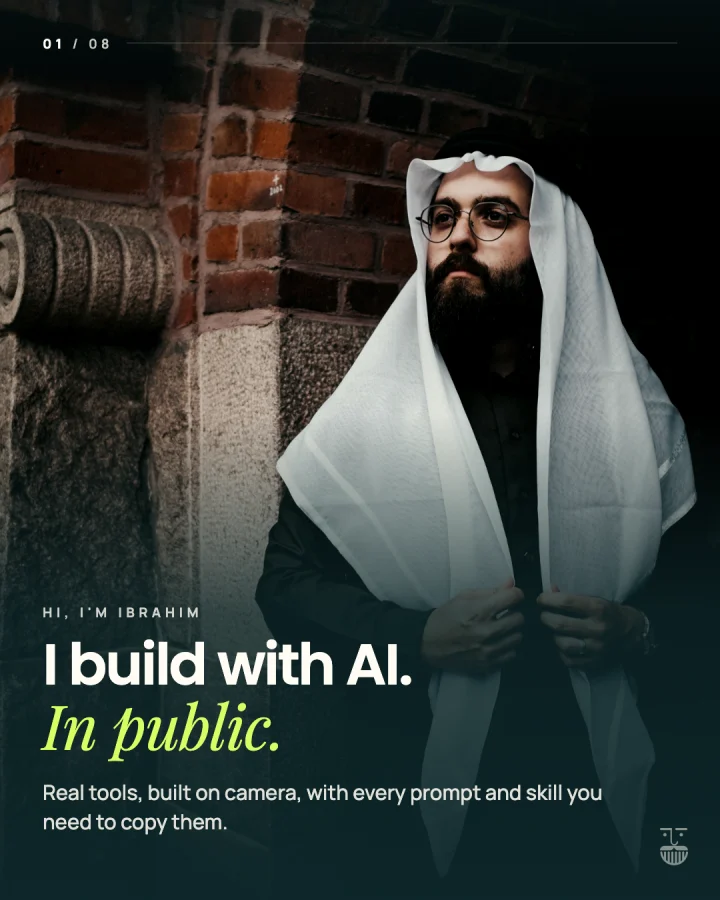
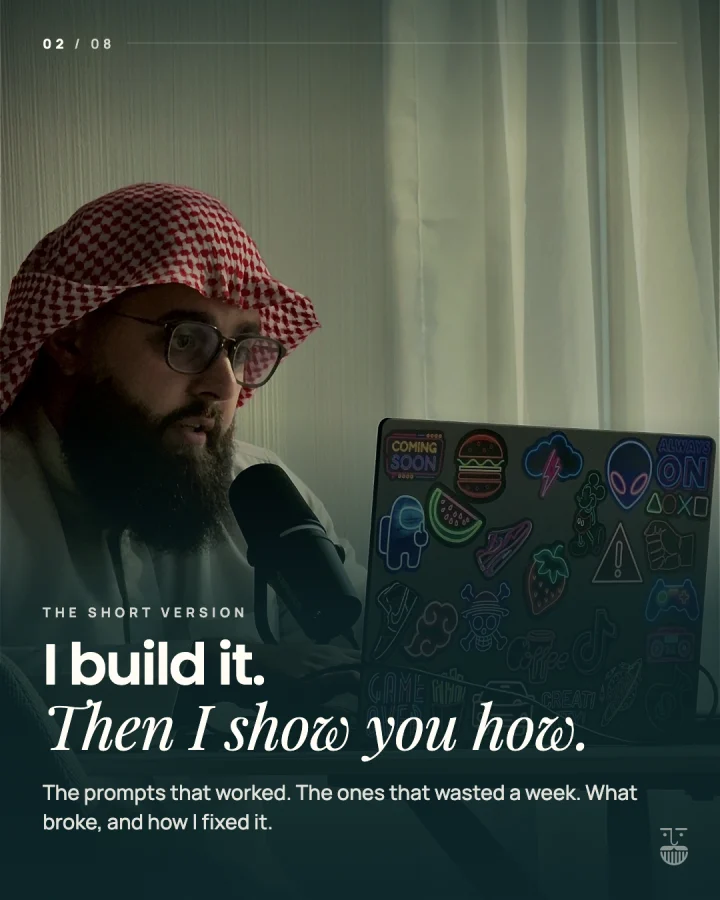

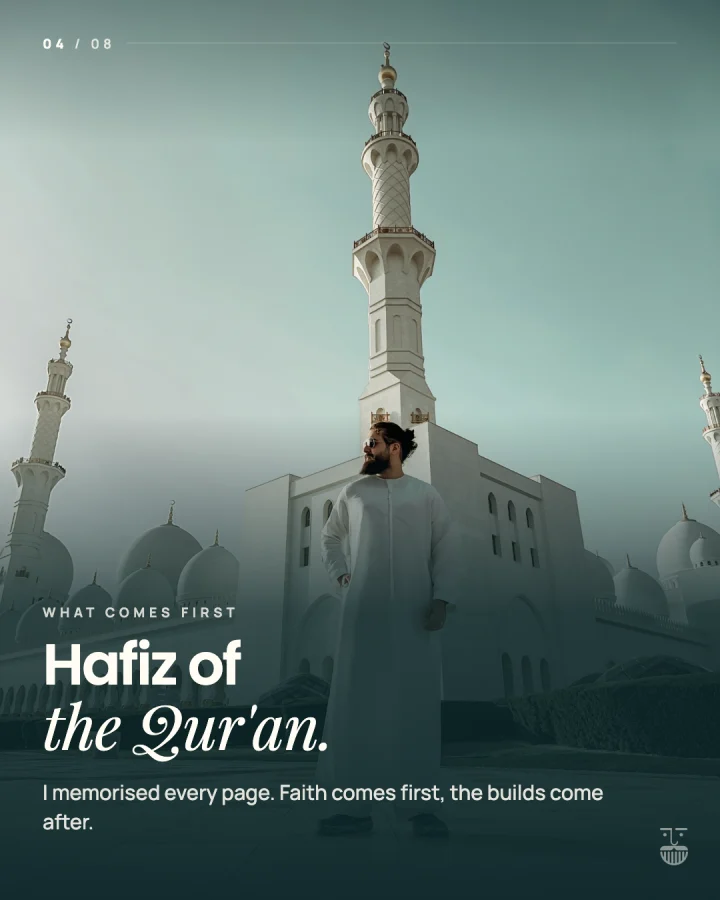
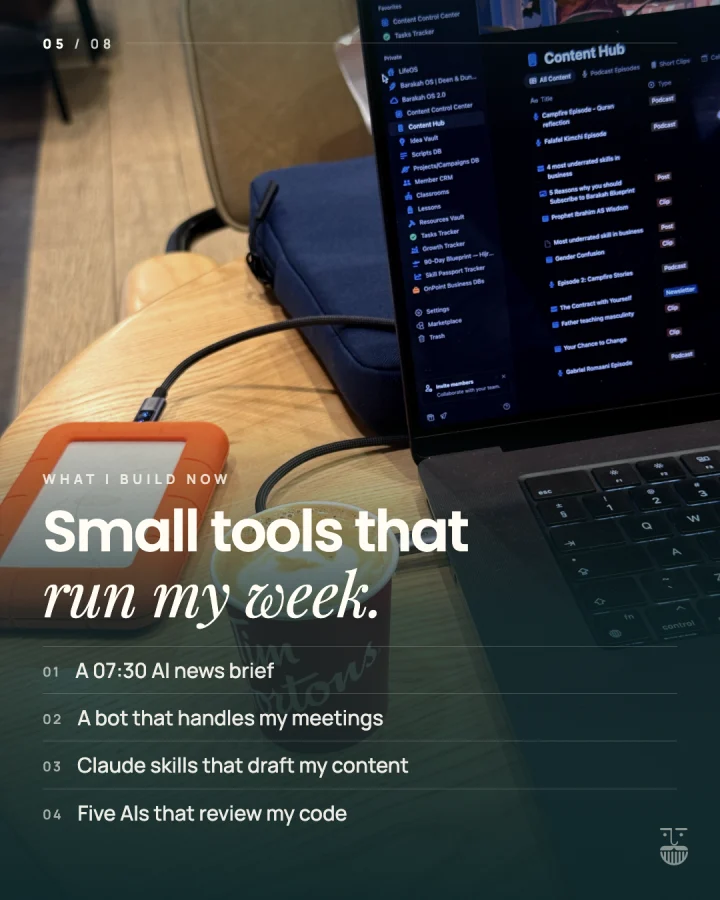
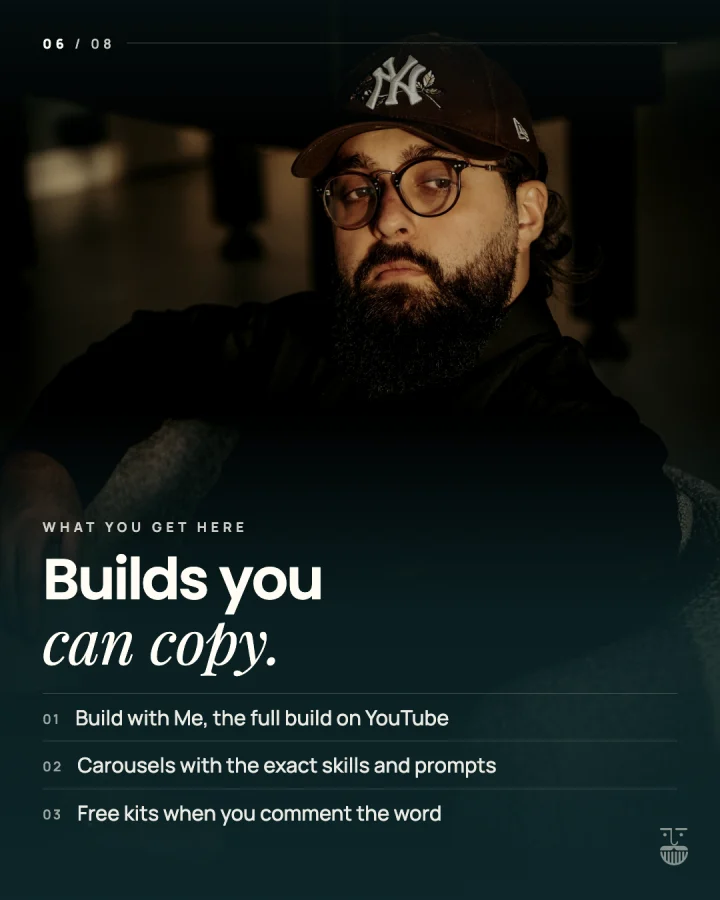
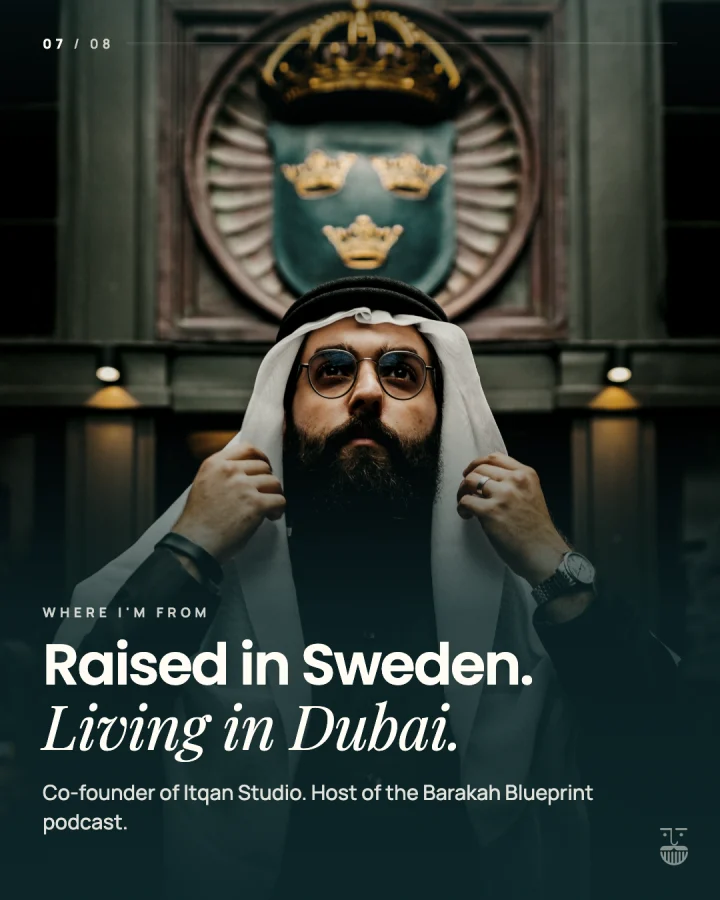
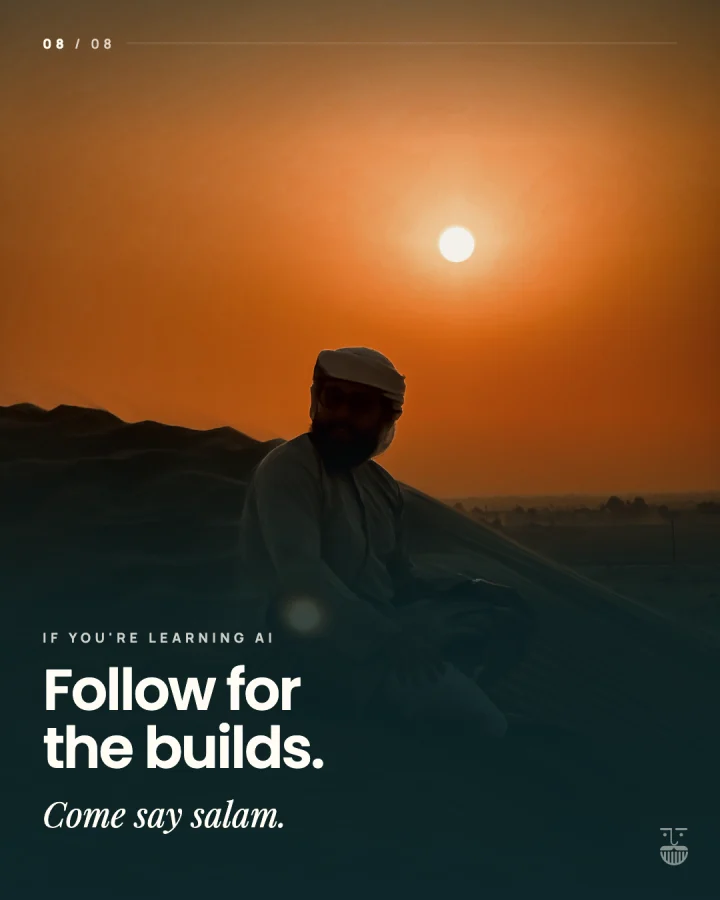
8 slides, scroll sideways
My intro carousel. The kit's carousel skill makes this look from your slide text and your brand file.
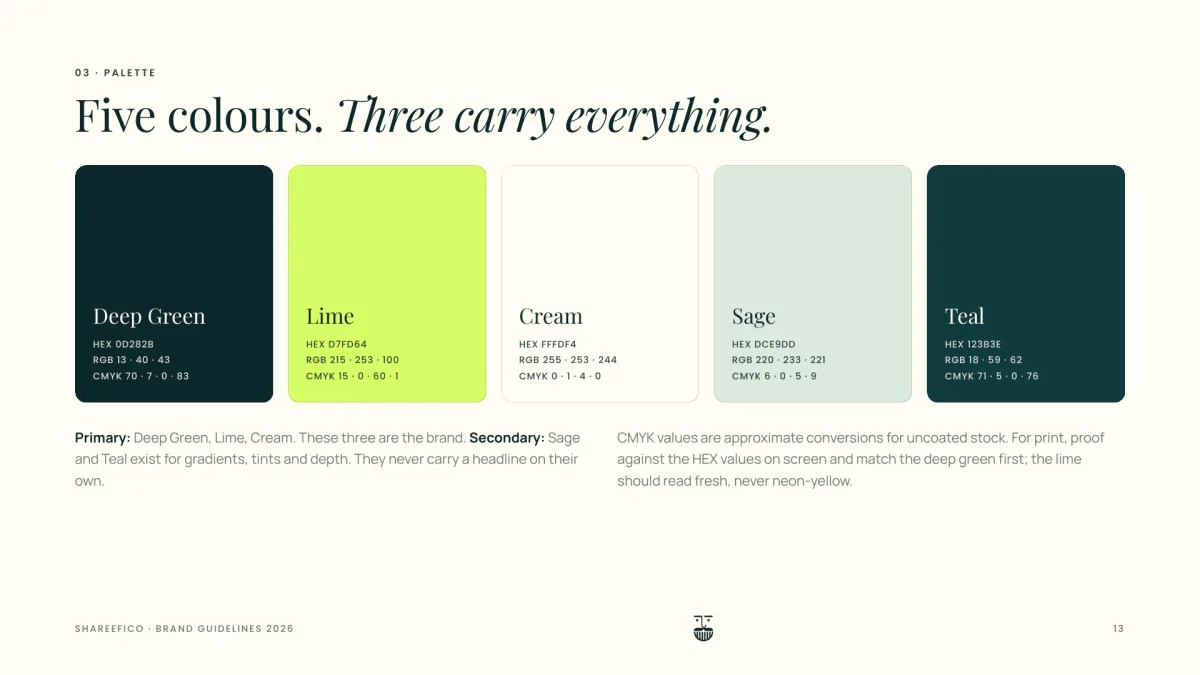
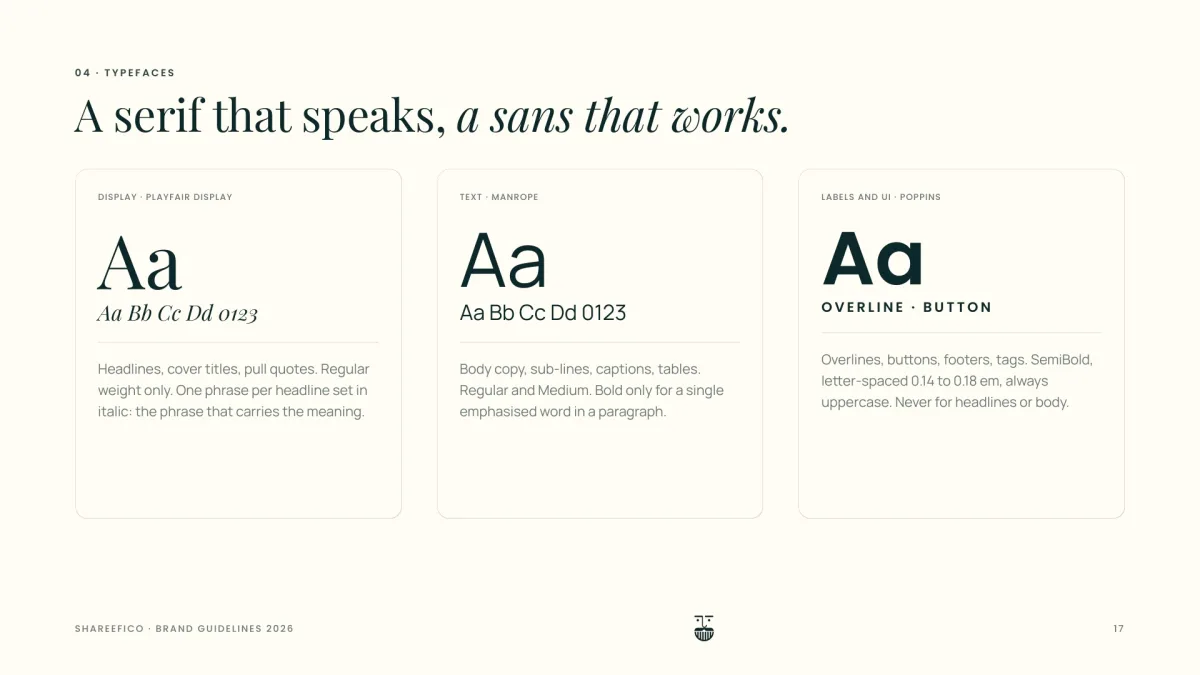
A brand, in one file
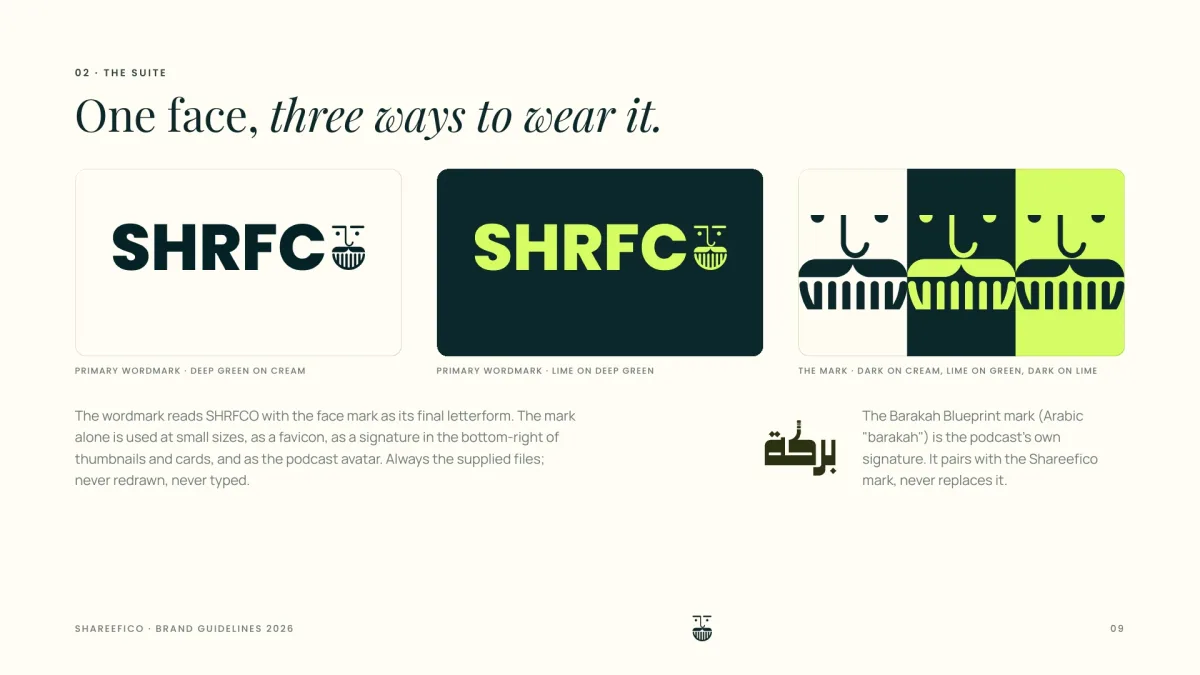
Three pages from my own brand guidelines. Your brand.json holds the same kind of thing: your colours, your fonts and your handle, and every skill in the kit reads it.
Straight from the files
Copied as they are. A line with … marks where I cut.
## 2. The tier list, S to D**Use it when** you have used every item you rank, the list is narrow (one job, one kind of thing), and you can give a reason from your own use for each verdict.**Job:** reach. **Judge it on:** comments and shares. Disagreement brings comments without a keyword.**Hook pattern:** "I've [used / tried / tested] a lot of [narrow category]. Here's how I'd rank them." Or the narrow version: "Every [thing] I [own / tested], ranked by what it actually did."**Beat sheet (60 to 120 s):**1. The hook while the empty board is on screen.2. Per item: name it (its card comes up), one or two reasons from your own use (they become short pills), then the tier word. Keep each item under 15 s.3. Optional: change your mind on one item ("D, but for X it's B"). The move is a moment people rewatch.4. Outro: "so that's my list", then "tell me if you disagree".**Edit with:** tier-list-reel (this kit). Film vertical at 30 fps, head in the lower half of the frame.(lines left out)
{(lines left out) "name": "Your Name", "handle": "@yourhandle", "niche": "One plain line: what you make content about. Example: 'I show busy parents how to cook three dinners in one hour.'", "audience": "Who it is for, in one line. Example: 'parents with two kids under ten who cook after work'.", "platforms": ["Instagram", "TikTok", "YouTube Shorts", "LinkedIn"], "colours": {(lines left out) "background": "#0E1116", "surface": "#1A1F27", "text": "#F5F3EE", "accent": "#FF7F7F",(lines left out)
## 1. Plain words, short sentencesUse the word a friend would use. If a sentence needs a second read, split it.(lines left out)## 3. Name a real, checkable specificEvery piece names at least one thing a reader could check: a tool, a place, a date, a number the creator gave you, a person who agreed to be named. Never a vague hint at one.(lines left out)## 4. Never invent a factNo made-up numbers, names, dates, quotes, results, reviews or testimonials, and no "studies show" without the study. If the piece needs a fact you do not have, write `[ADD: what is needed]` and say so.## 5. End when the point is madeNo moral, no lesson, no neat summary line, no "and that's the real secret". The last sentence states a fact or an action.(lines left out)
My formats and skills, made yours.
I teach creators how to build with AI. This kit holds the skills I use to plan, edit and write my own content.
Start-here PDF
Install the skills, install the free video tools, then one run from a phone video to a finished reel.
viral-formats
The formats I use, as a skill: the S to D tier list, the three videos list, and the curation list with a level word and proof on screen. Each one comes with its hook, its beat sheet and the edit skill it uses.
tier-list-reel
My tier list editor: a tier table above your head, each logo flipping in when you name it and flying into its row, with captions synced to your words.
carousel
Carousel slides in my own styles, in your colours and fonts, with your handle on them.
creator-copy
Hooks, captions, carousel text and sales copy, written under the rules I use myself: no dashes, named specifics, no moral at the end and no invented facts.
repurpose
One recording turned into a week of posts.
Brand config file
One file with your colours, fonts, handle and logos. Every skill in the kit reads it, so the output looks like you and not like me.
Free, and said so
HyperFrames and snapcut
The video editing runs on HyperFrames, HeyGen's open source video skills, and snapcut, my own talking head to reel skill that I give away. Both are free to install, and the start-here PDF shows how. They are not what you are paying for, so they are listed as free extras, with their licences.
Worth it, or not.
For you if
- You post short videos or carousels and want Claude Code to do the heavy lifting.
- You want formats with a shape you can repeat, not a blank page every time.
- You are fine editing one config file and following a setup guide.
Not for you if
- You want someone to edit your videos for you.
- You want design templates for Canva or Figma. These are AI skills.
- You do not plan to use Claude Code. Every skill in the kit is written for it.
- You want a promise of more followers, views or income. This makes none.
Pay, then download.
- 01
Pay
Checkout runs on Stripe. Card details never touch this site.
- 02
Download
You land on your download page straight after paying. One zip file.
- 03
Keep the link
The same link arrives by email, so you can come back to it.
Fair questions.
Why pay if the video tools are free?
You do not have to. HyperFrames and snapcut are free, and you can build your own formats on top of them. The kit is mine, already built: the formats, the skills and the brand config, so you start from a finished setup instead of a blank one.
What do I need to use it?
Claude Code, which needs its own Anthropic plan. The kit does not include one. The free video tools install with npx, so you also need Node.js on your computer.
Will it look like my brand?
That is what the brand config file is for. Your colours, fonts, handle and logos go in one place, and every skill reads them from there.
Is the blueprint included?
No. The blueprint is the setup files from the free training: instructions, memory, skills and a check. The Creator Kit is the content skills. Each one works without the other.
Is this a subscription?
No. You pay $47 once.
Can I get a refund?
No. All sales are final. It is a download, and once you have the files there is nothing to send back. Watch the free training first if you are not sure.
I am stuck. Who do I ask?
Me. Email hello@shareefi.co or send a DM on Instagram (@shareefico). Tell me what you ran, what you expected and what happened.
Not ready to pay? Start free.
The free training sets up the four files every skill in this kit builds on, and builds one workflow live. Watch it first. Come back for the kit when you want it.